How do I install Top Dog Events on an iPhone?
5 steps total
1
Step 1
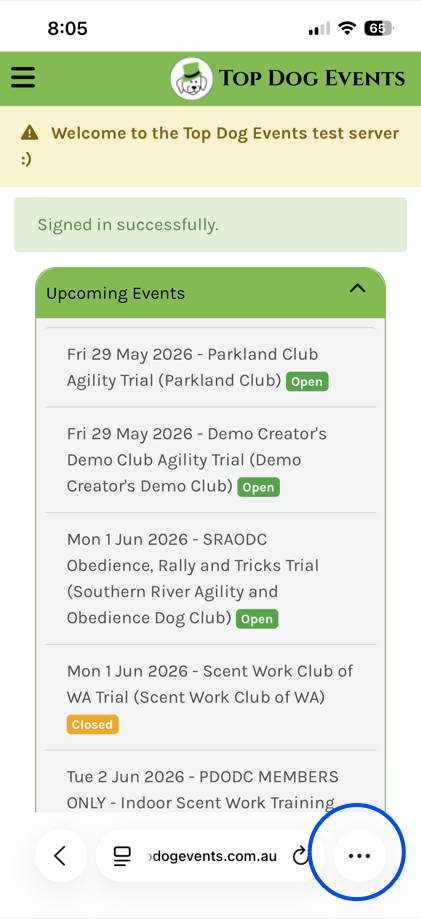
Once you've opened Top Dog Events in your browser, select the 3 dots at the b...
Once you've opened Top Dog Events in your browser, select the 3 dots at the bottom of the screen
2
Step 2
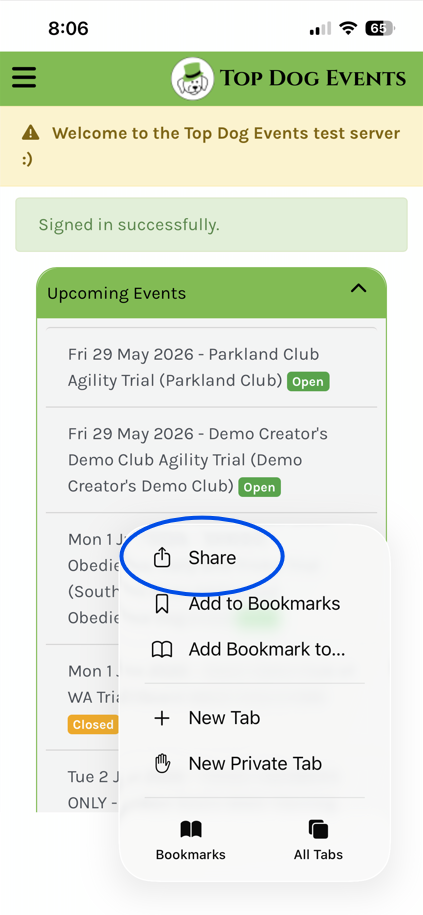
Press 'Share'
Press 'Share'
3
Step 3
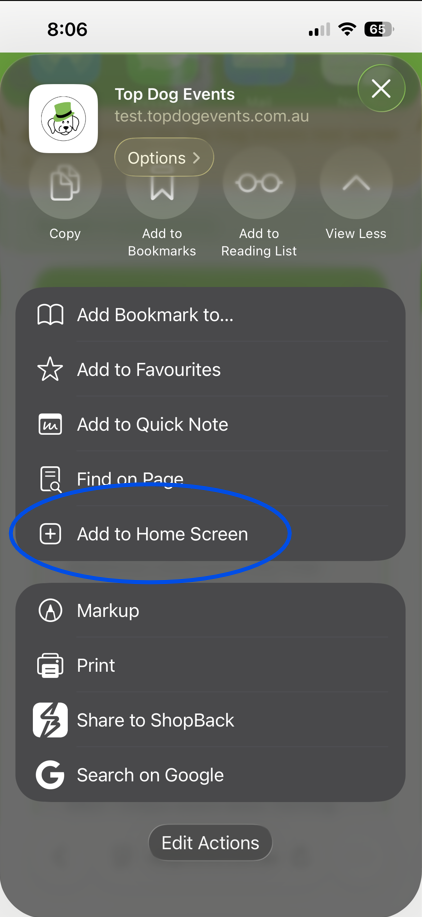
Press "Add to Home Screen"
Press "Add to Home Screen"
4
Step 4
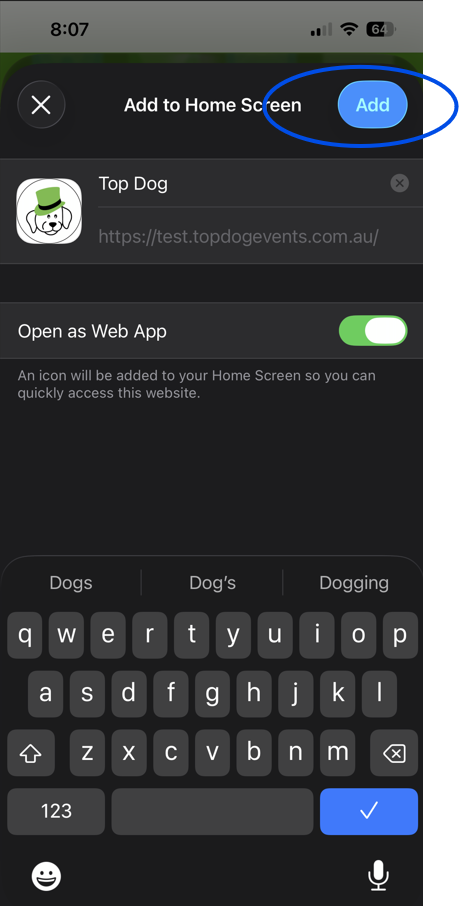
Confirm the details and press "Add"
Confirm the details and press "Add"
5
Step 5
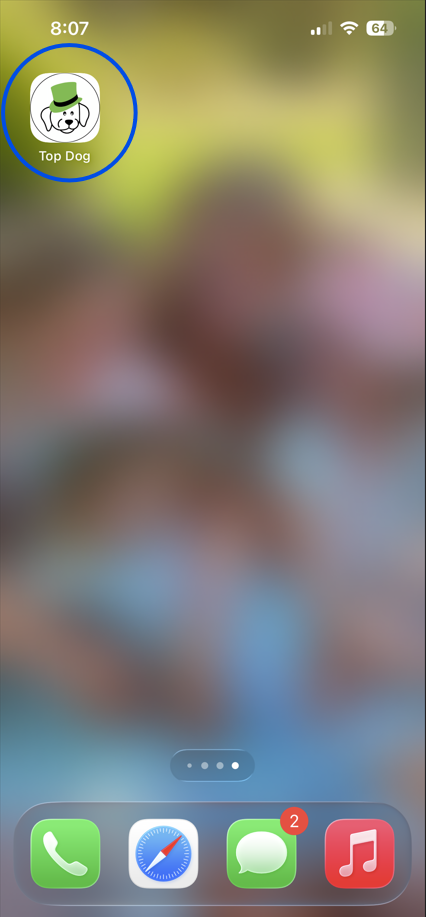
Open Top Dog Events from the new icon on your home screen.
Open Top Dog Events from the new icon on your home screen.